How to brief an app demo video
A practical app demo brief starts with the viewer, one product moment and the real screens needed to show it.
 Related portfolio example: Focentra — One good session →
Start with the question the viewer has
An app demo has limited time. Decide whether the viewer needs to understand the whole product, one feature, or one task. The answer sets the scope and keeps the edit from turning into a tour of every screen.
Capture the real interface
Use the current build or a screen recording from the product. List the steps that matter and note where the recording can be repeated. If the interface contains personal or test data, replace it before capture. This keeps the picture credible and avoids accidental exposure.
Choose the format before the edit is finished
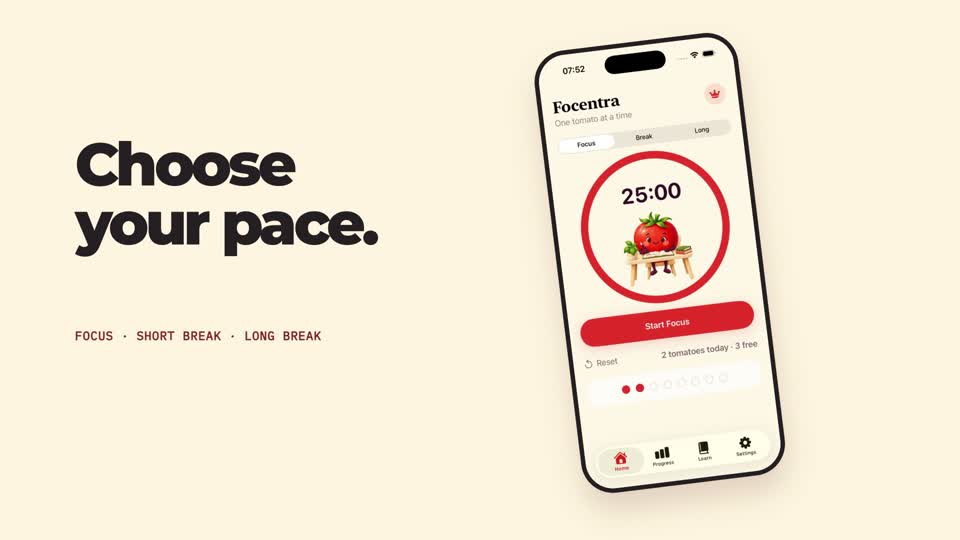
A vertical social placement and a widescreen product page give type and interface different space. The Focentra portfolio film has separately composed 9:16 and 16:9 versions: the framing and type scale were rebuilt for landscape, rather than cropping one master.
Send a useful first brief
Include the product link or capture, intended audience, one main takeaway, placement, brand assets, preferred aspect ratios, voice and music needs, reviewer, and any legal or privacy constraints. A useful brief can be a page of notes; it does not need a polished script.
Review the piece at viewing size
Check interface labels at phone size, let the viewer understand each step, and ensure the final card gives a clear next step. Review both aspect ratios on the devices and placements where they will appear.